KINISI
High-Volume Digitisation for Scientific and Heritage Collections
Photo, video, and 3D at settings fixed before the run starts and held there for every object.
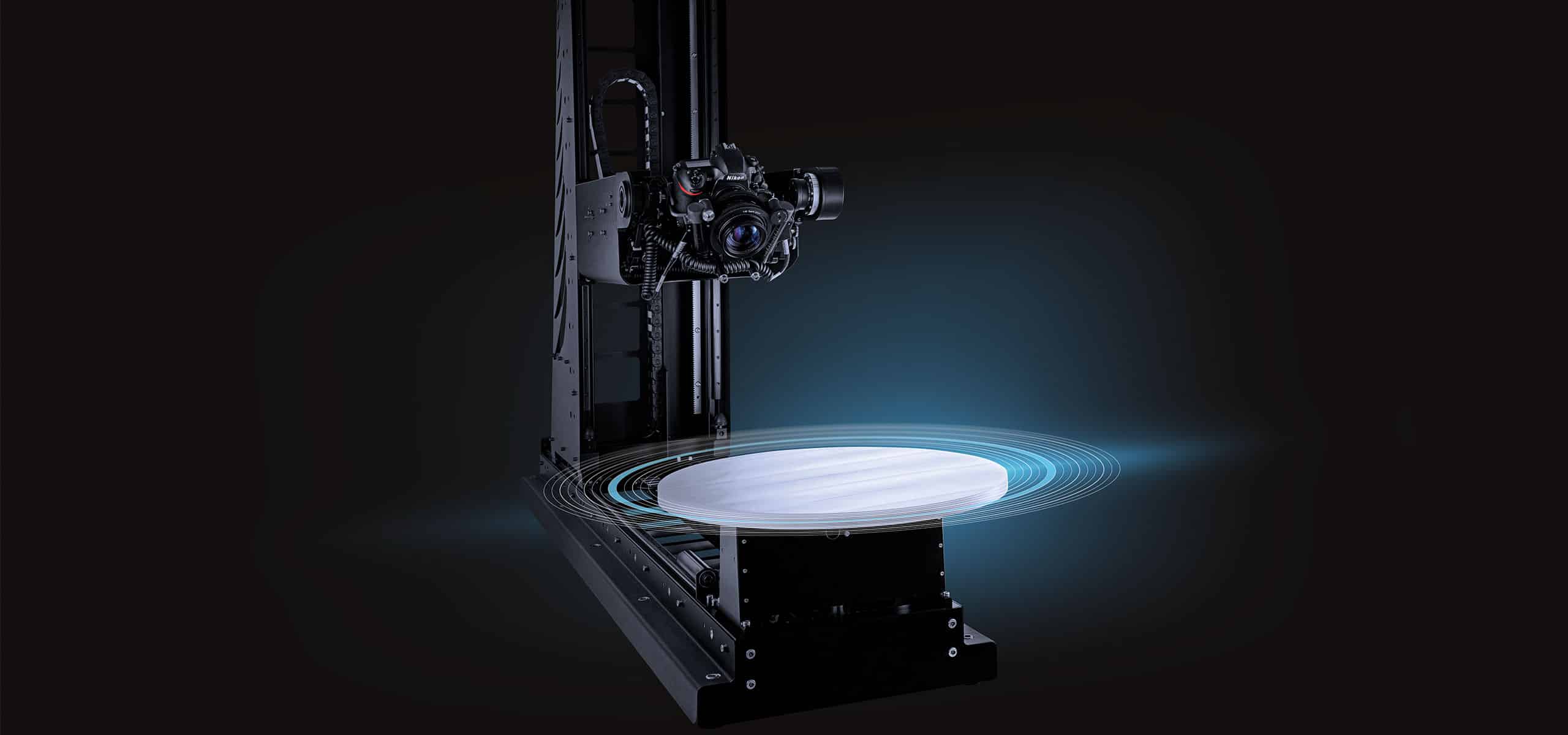
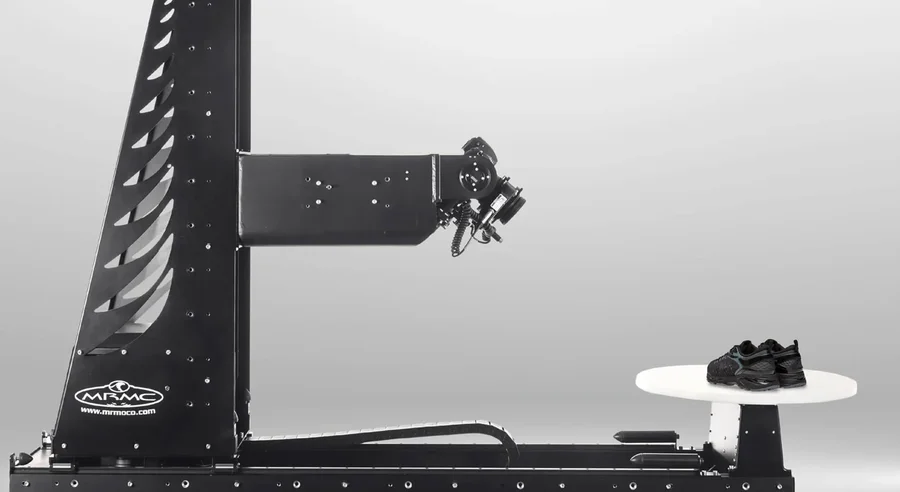
The KINISI Rig
Most of a Collection Has No Image Attached to It
In natural history, archaeological, and archival collections, most material has no image against its database record, where a database record exists at all. I've worked in collections; that is the ordinary state of things.
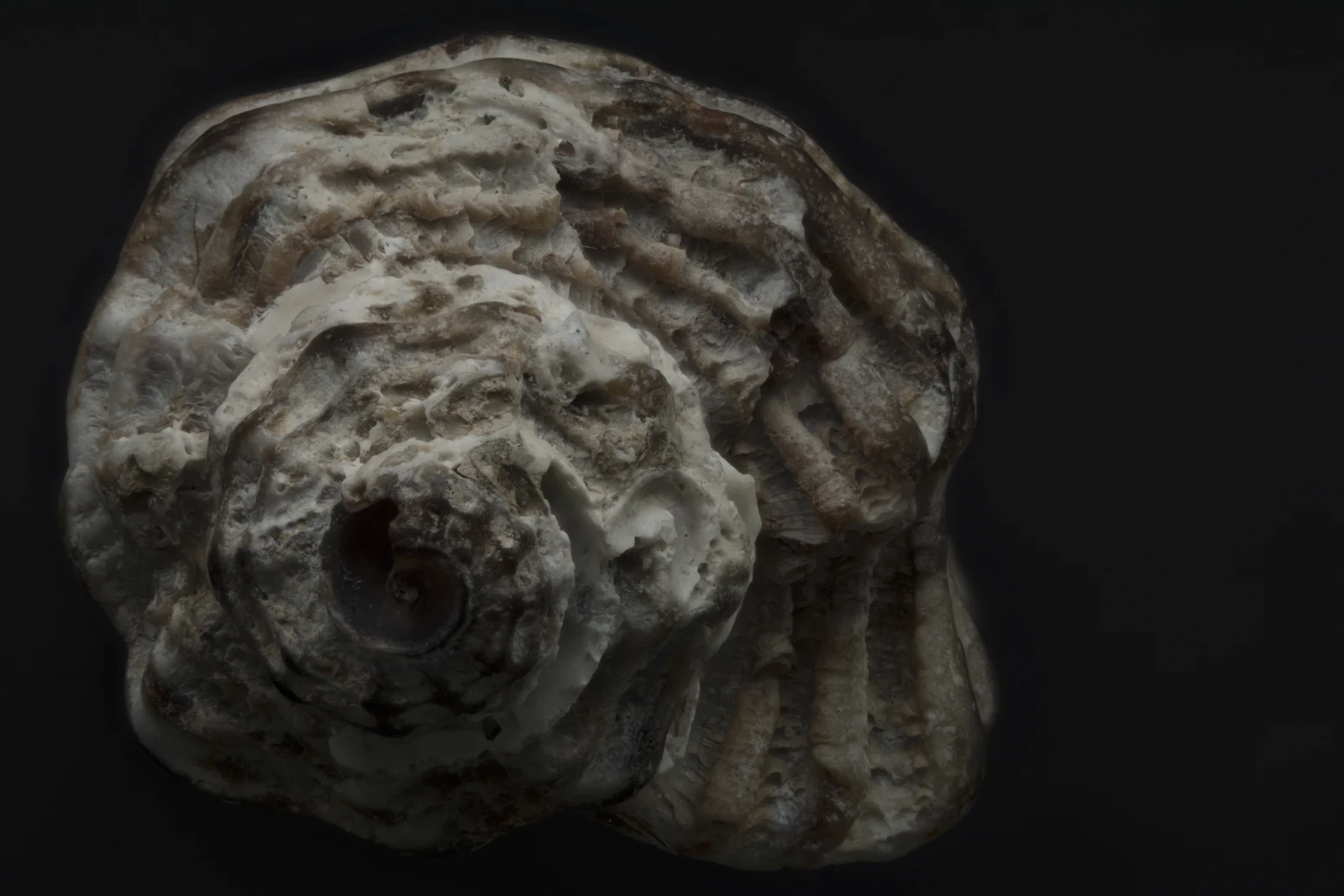
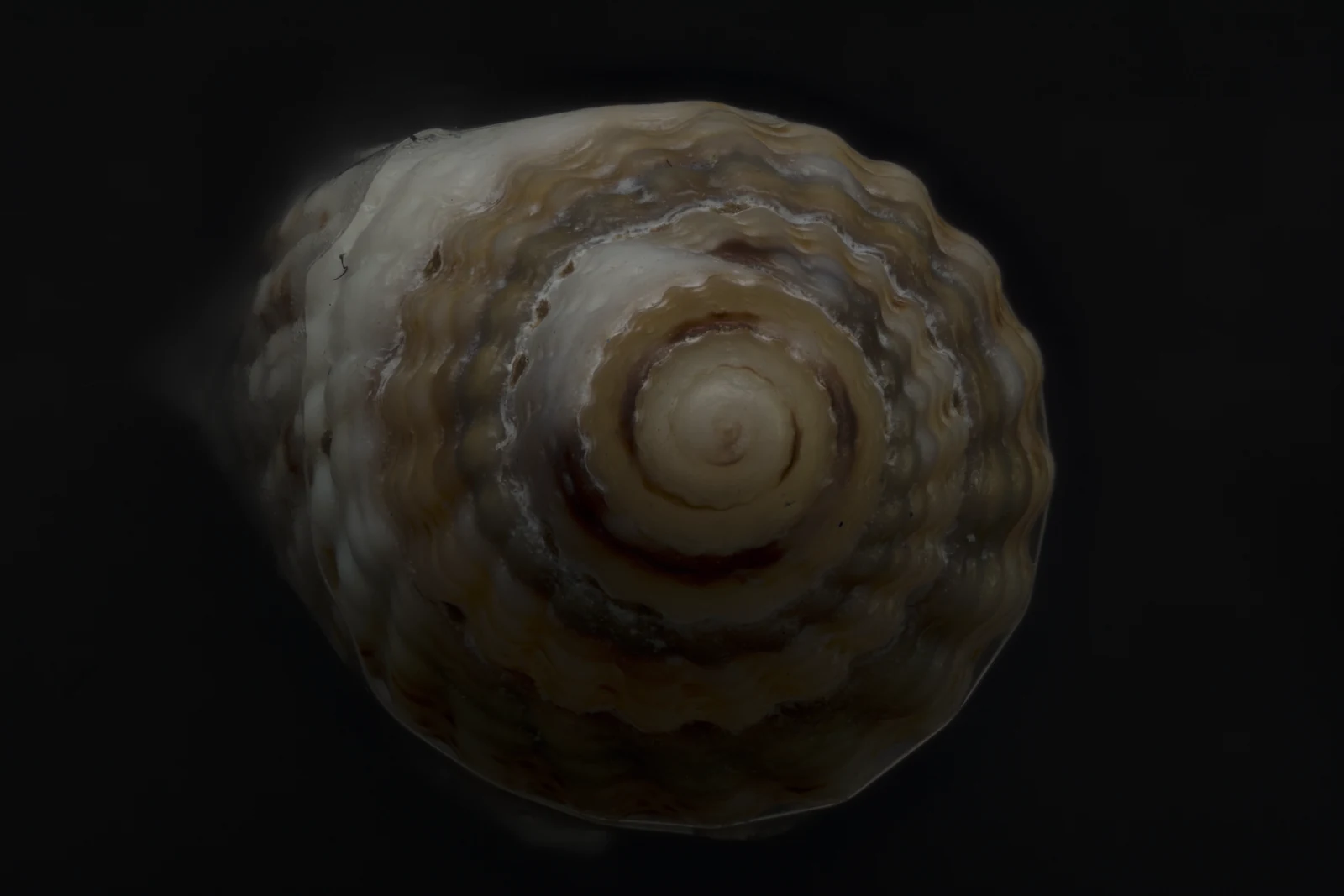
An object without a digital record is accessible only to researchers who already know exactly where it is. The expertise to document that material by hand is retiring faster than it's being replaced. The backlog is not getting smaller.
Moving fragile or valuable material off-site to get it imaged costs money before a single photo is taken: transport, specialist handling, insurance for the transit itself. The rig travels to the collection instead, so none of that applies.
A Robot That Photographs the Same Way Every Time
KINISI runs a fixed, preprogrammed sequence: a 5-axis robot holding the same angles, the same lighting, and the same order for every object on the rig. At volume, that consistency is the whole point.
Photography
Multi-angle stacks, merged into focus-stacked stills with full depth of field.
Video
The same sequence run as continuous footage, frame-identical to the stills pass.
3D Models
Photogrammetry or Gaussian Splatting reconstruction from the full angle set.
Swipe for photo, video, 3D →
Where This Was Tested
Swipe for more →
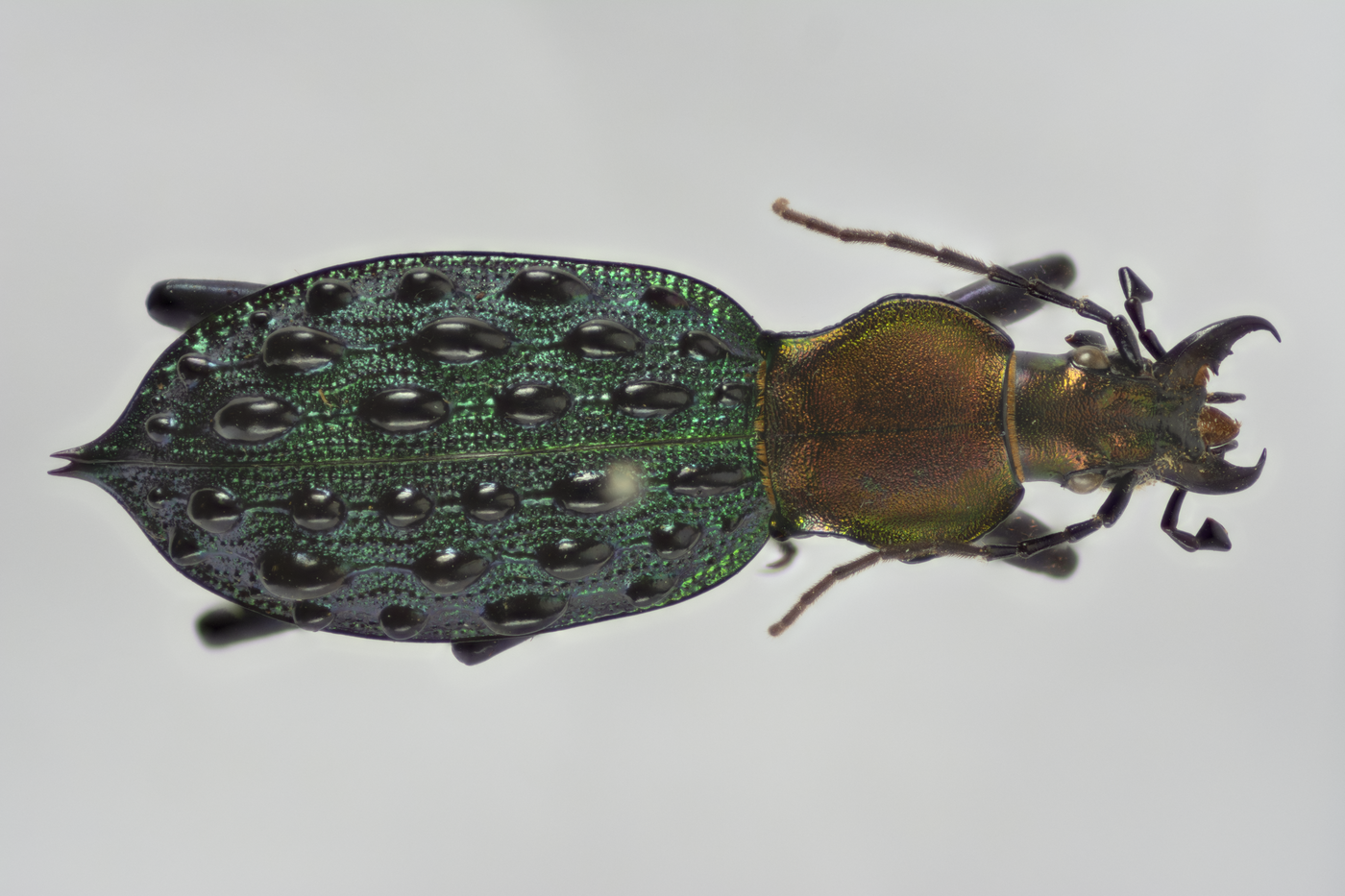
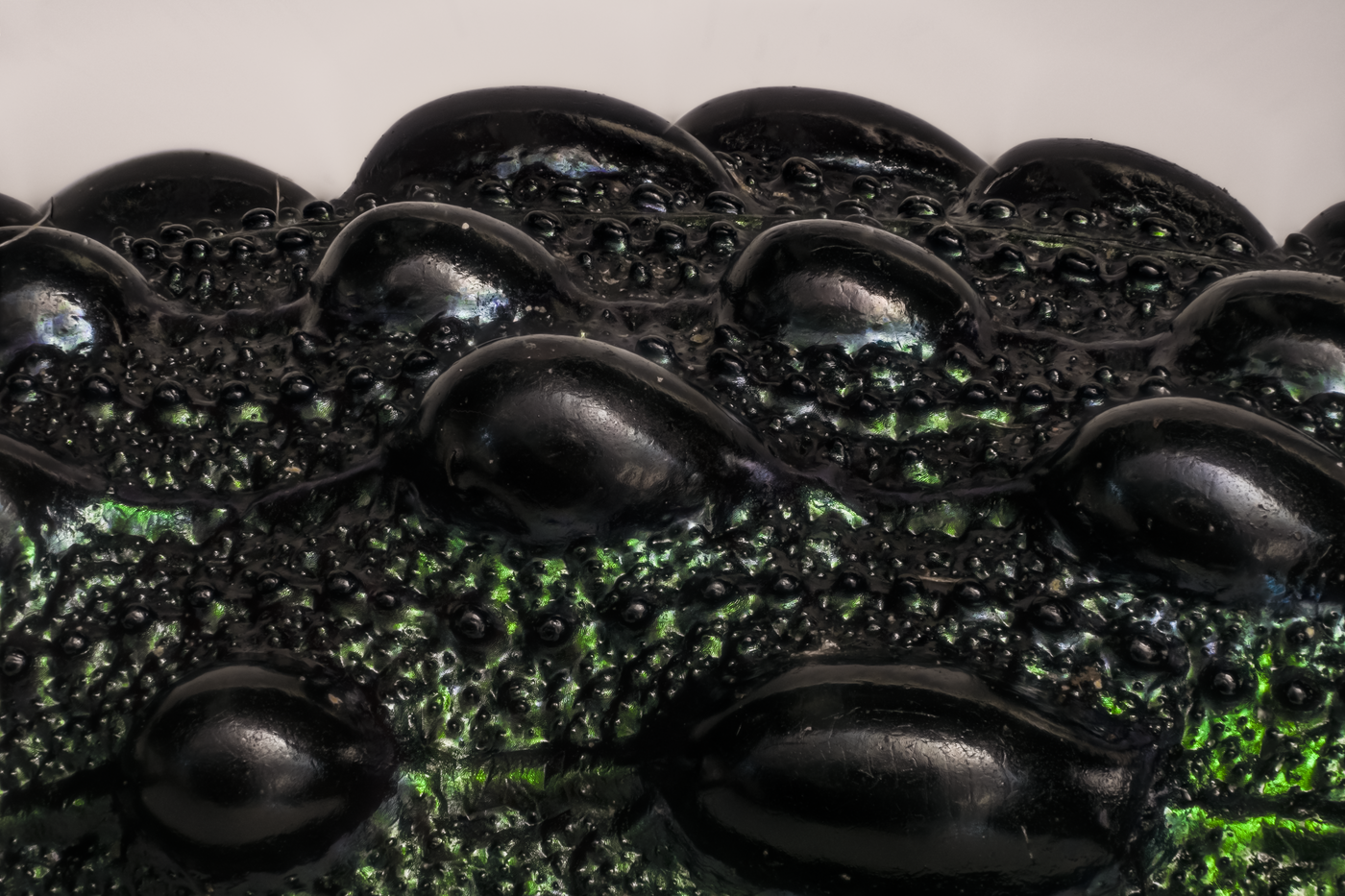
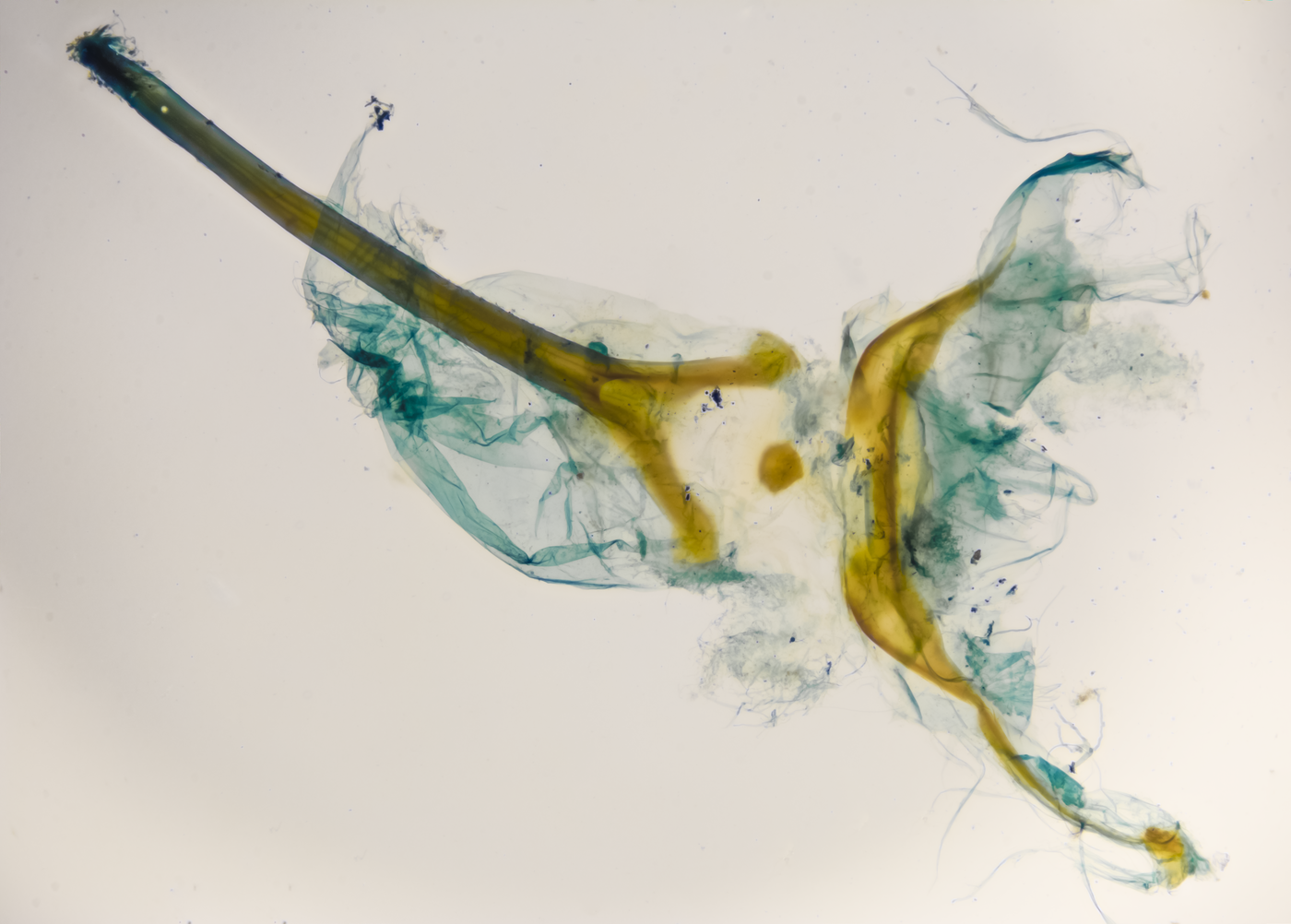
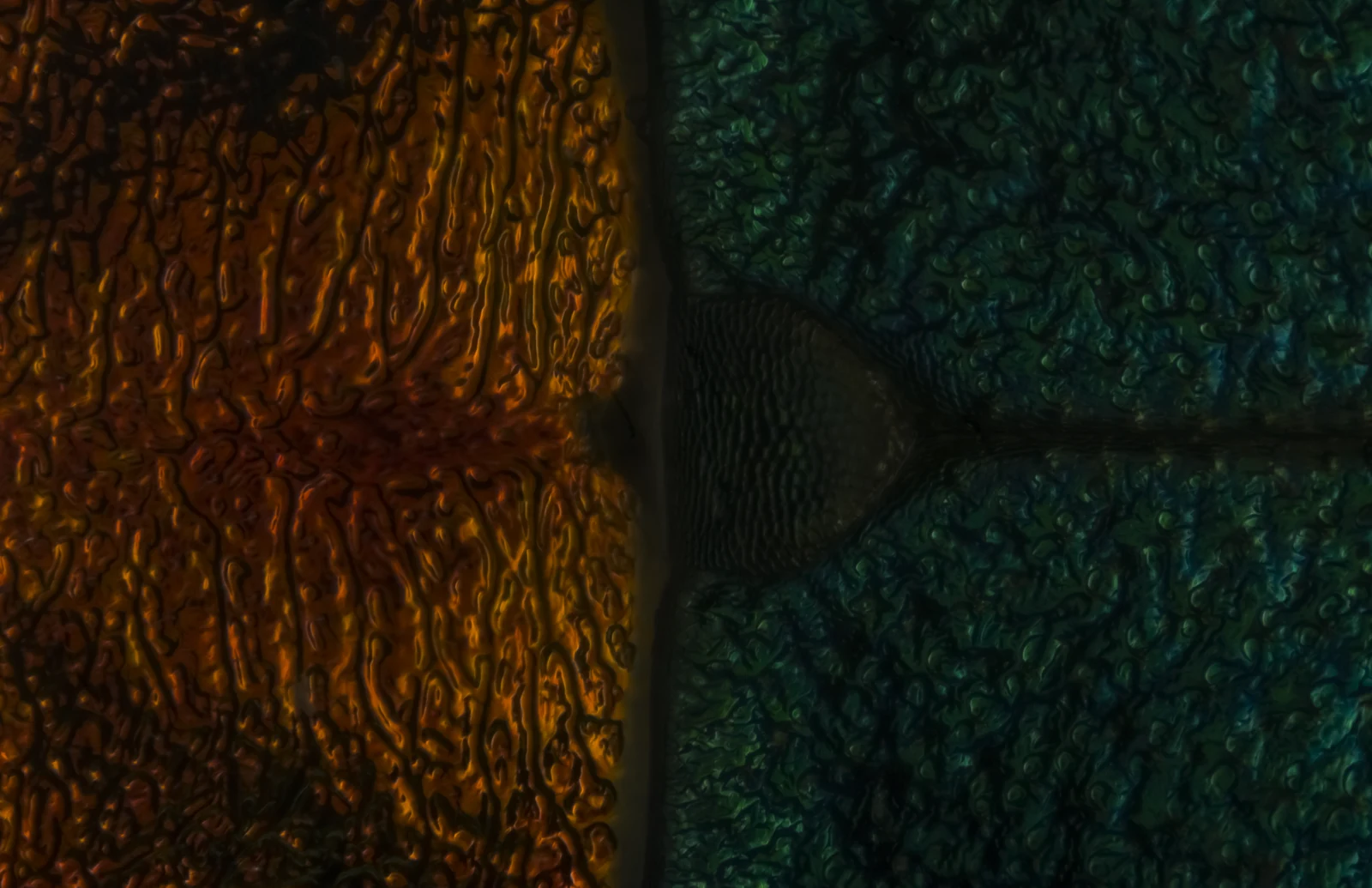
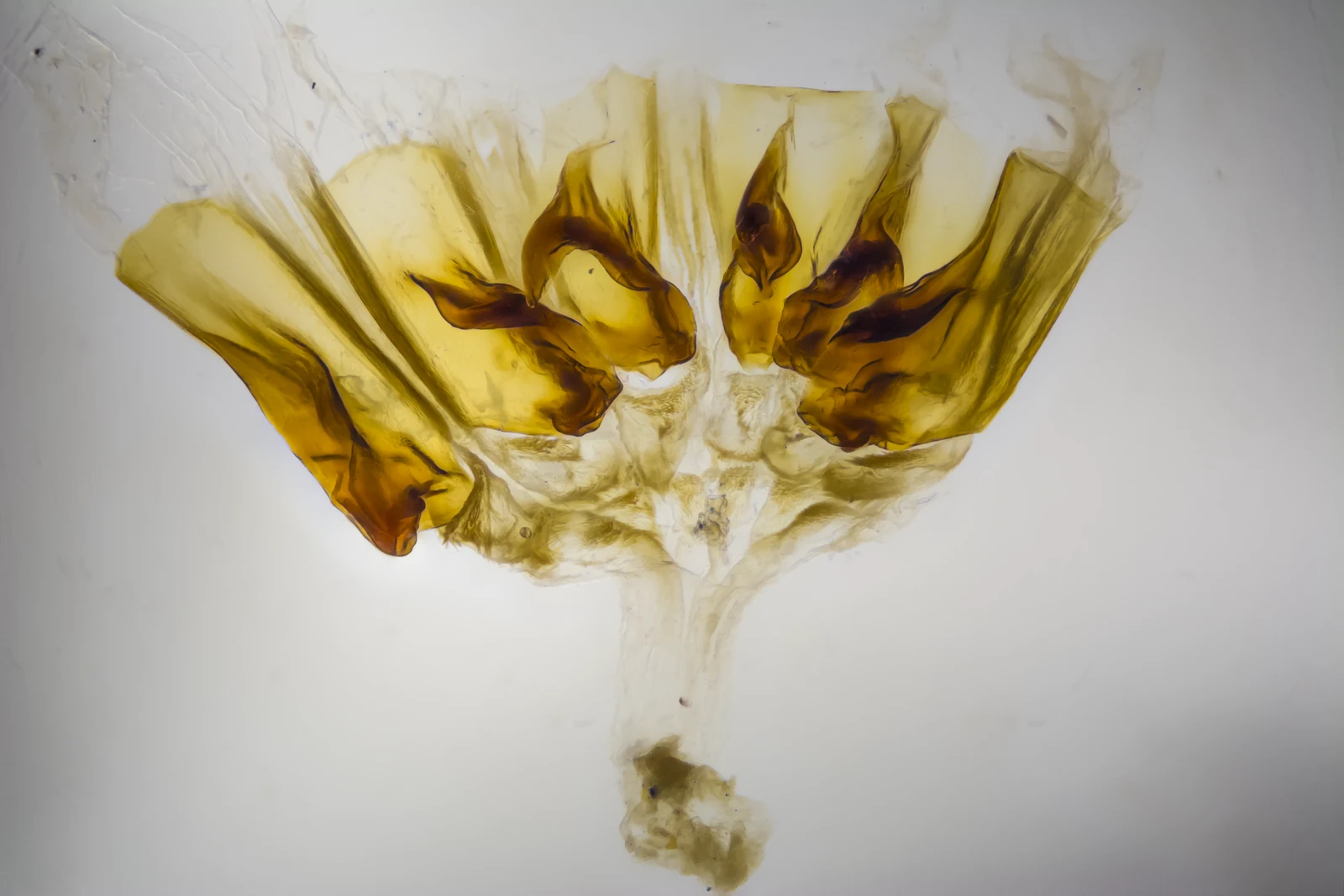
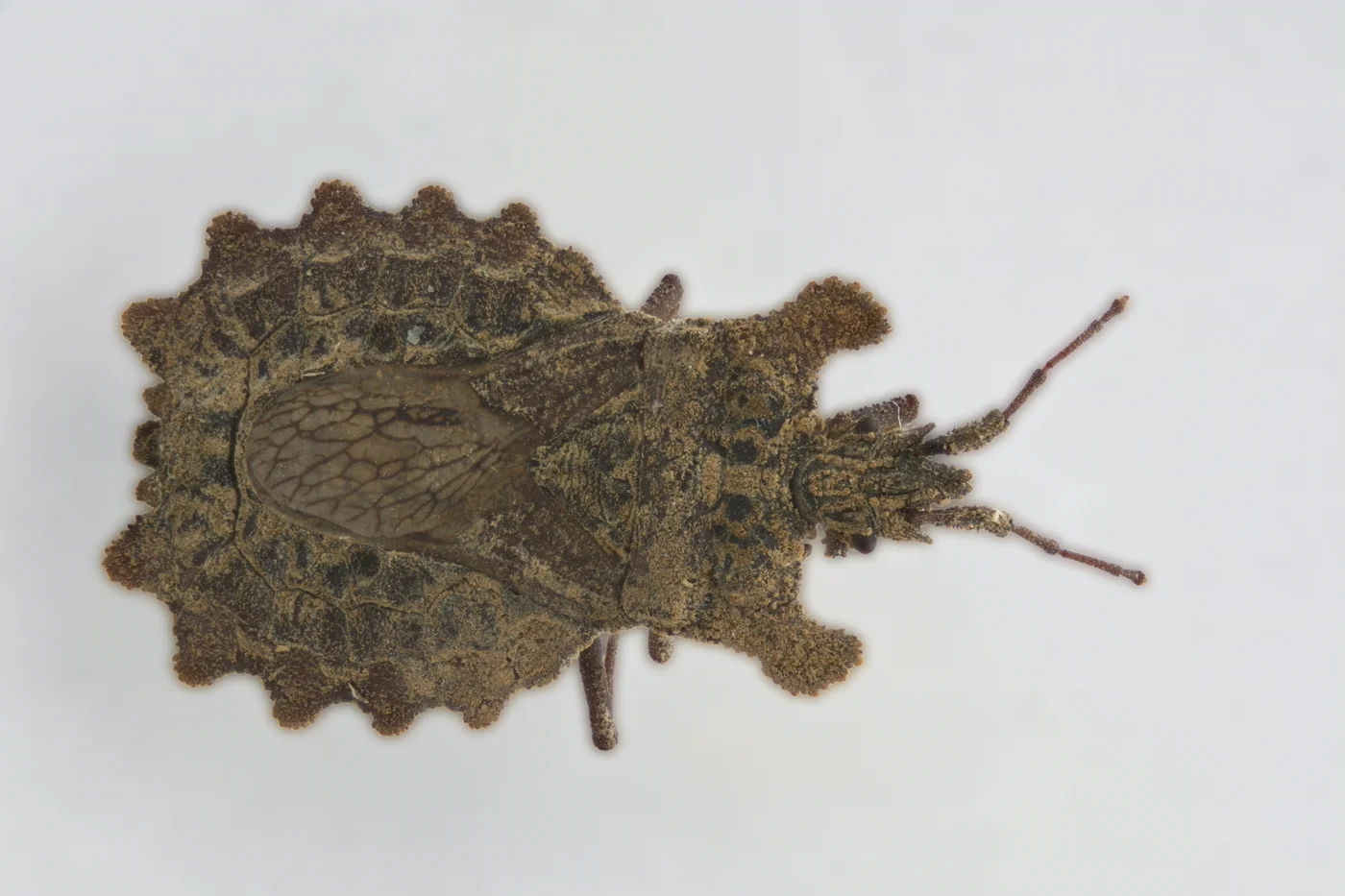
Every carabid type specimen Senckenberg held, sub-millimetre to over 4cm, captured on the same rig without re-tooling, delivered into Senckenberg's AQUILA database in months rather than the years a manual equivalent would have taken. I worked on that project. The collection happened to be beetles; the job (consistent capture, at volume, integrated into a working database) is identical whether the backlog is fossils, artefacts, or anything else worth keeping a record of.
One Pass Through the Rig, Four Different Uses
- 01Taxonomic reference imagery: the type-specimen image other researchers cite instead of requesting the beetle itself on loan.
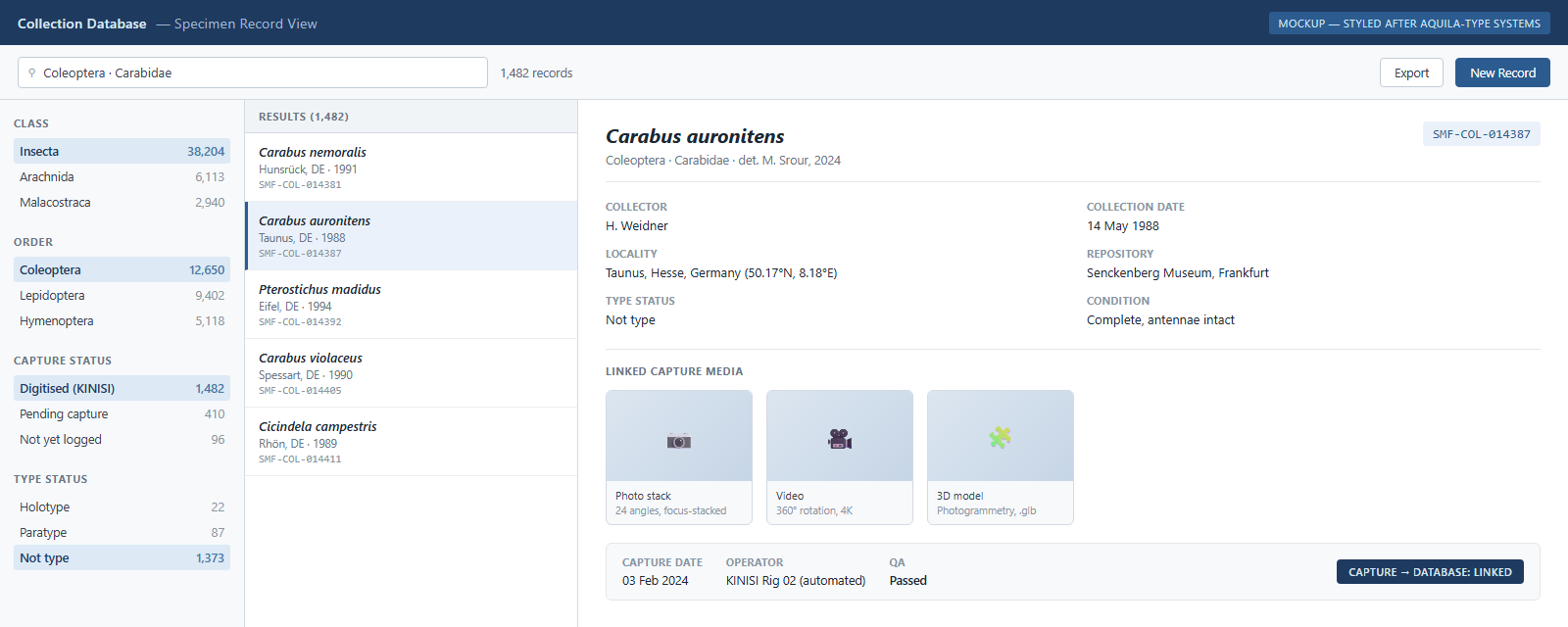
- 02The AQUILA record: every image tied to a database entry, queryable by anyone with access.
- 03A condition baseline: the same captures document the specimen's state at the time, useful if it's revisited later.
- 04Publication-ready figures: usable in taxonomic literature, captured once rather than re-shot per paper.
Six More Objects, Same Rig.
Turntable Footage, and a Model You Can Rotate
Both from real KINISI capture runs: continuous turntable footage of a Roman terracotta oil lamp, and a photogrammetry reconstruction of a cup.
Ten Objects an Hour.
That rate holds across a working run. Over a month it compounds to this:
Illustrative, based on a sustained rate of 10 objects/hour across an 8-hour day, 5-day week. Real collections vary: object size, fragility, and the formats you need all change the maths.
Objects Get Re-examined
- 01Collections get revisited (a new dating technique, a provenance question, a re-attribution, an exhibition nobody had planned when the object was first catalogued), so the capture has to be good enough to support questions nobody's asked yet.
- 02One master capture, done properly, can feed an archive record, an exhibition label, an AR model, and a published figure without ever re-touching the object.
- 03Delivered as archival masters (TIFF, AVI, FBX) plus ready-to-use compressed copies (JPG, MP4, GLB), benchmarked against FADGI or another named standard if your institution requires it. Full specification in the appendix slides ahead.
Capture Is Half the Job
A folder full of images is photography. Digitisation is what happens when those images hang off records someone can query. I worked inside AQUILA on the Senckenberg project, so the end I care about is that one: every photo, video, and 3D model linked to a structured record.
Illustrative mockup styled after the kind of system AQUILA represents, not a live database: a record with capture outputs attached and queryable, the same end point Senckenberg's beetles went to.
Four Steps From Shelf to Database
The same four steps apply on display and off it. Most of a collection is never exhibited, and once the rig is on-site there's no reason to stop at the pieces on the wall.
Intake & Cataloguing
Objects logged against your existing collection management system before anything gets touched.
Capture
KINISI shoots photo, video, and/or 3D at settings fixed in advance and held identical across the run.
Processing & QA
Every output checked for focus, exposure, and completeness before it goes out.
Delivery & Integration
Files delivered in your required formats, linked directly into your database.
Numbers for Your Imaging Officer
- 01Photography: 24-megapixel captures, multi-angle stacks merged into focus-stacked stills, lit with cool-running LED, no UV (safe for fragile pigments, papyrus, textiles). A colour reference target is shot once per session; scale is overlaid from the rig's own coordinates rather than a ruler in shot. Larger or flat-format objects (paintings, murals, oversized panels) get multiple passes stitched into a single gigapixel image instead of one capped frame.
- 023D: texture resolution held at 4K. Mesh density is set per object; a coin and a cup don't need the same triangle count.
- 03Standards: benchmarked against FADGI, Metamorfoze, or your own imaging officer's standard, agreed before the job starts.
The Questions Your Registrar Will Ask
- 01Handling: done either by me directly or by the institution's own staff, whichever each institution's protocol requires. Every project to date has run with me working alone; no larger team stands behind the rig yet. Training is available if your own staff want to run the rig themselves going forward.
- 02Files: masters delivered as TIFF (photo), AVI (video), and FBX (3D), chosen to stay legible in decades rather than years, alongside a JPG/MP4/GLB compressed set for everyday use.
Nothing Stays With Me Afterwards
- 01Ownership: the museum owns everything delivered, raw captures included.
- 02Database: I don't build to one fixed schema. Senckenberg's integration worked because I adapted to AQUILA's own structure, not the other way round. Direct working experience with Darwin Core for natural history collections; the same schema-agnostic approach applies to CIDOC-CRM or whatever an archaeological collection already runs.
Text You Can Lift Into Your Application
Everything above argues this is worth doing. A funding panel needs a different case, in a different voice. Copy the paragraph below straight into your own application if it helps.
Digitising this backlog extends who can use the collection. Material only specialists can currently find becomes available to remote researchers without a visit, to schools and public audiences without handling risk to the object, and to future re-examination at a level of detail no single physical viewing provides.
Tell Me About the Collection
If you run a collection with a digitisation backlog (natural history, archaeological, memorabilia, or something else entirely) and recognise any of this, I'd like to hear about it: size, object range, timeline, whatever the state of it is. I'll tell you straight whether KINISI is the right tool for the job.
Write to Me